How to use a teleprompter on iPhone (and still edit fast)
A teleprompter does not remove mistakes. It changes what a mistake costs — from a restart to a three-second repeat.
Updated
Standalone teleprompter apps have a structural problem: the recording comes out of one app and the editing happens in another. You export, import, wait, and then discover the fluffed line at minute four.
Keeping the prompter inside the editor changes the workflow. The take you just recorded is already a project, already transcribed, with the stumbles already marked — so scripted delivery stops being a preparation ritual and becomes part of the edit.
The workflow
- 01
Write for the ear, not the page
Short sentences, one idea each, contractions everywhere. A script that reads well silently almost always sounds stiff out loud — read it aloud once before you record and cut whatever makes you run out of breath.
- 02
Paste the script into Primecut
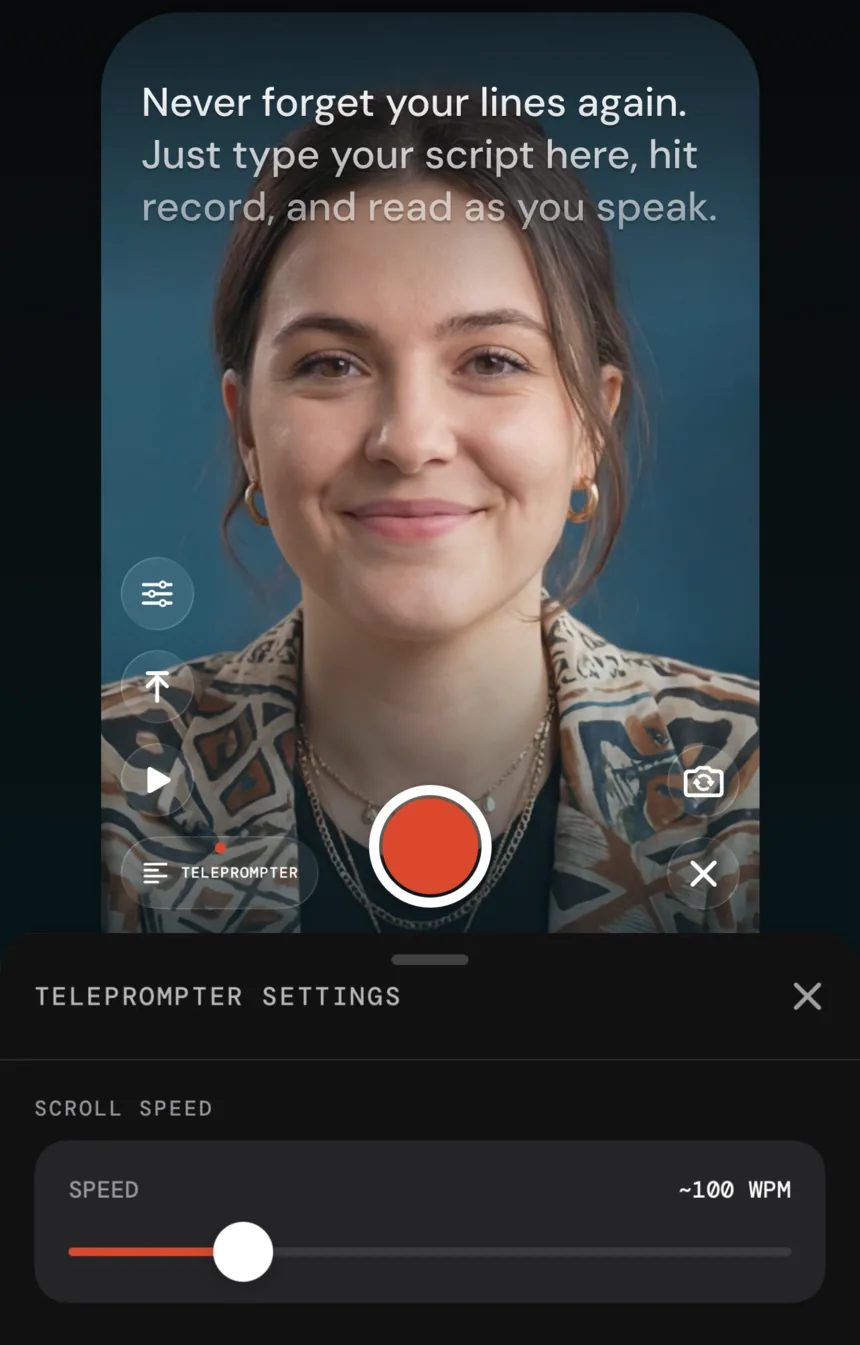
The teleprompter lives inside the recorder, so the script, the take and the edit are all the same project. No second app, no AirDropping text to yourself.
- 03
Set scroll speed and text size
Speed is in words per minute; most people land between 100 and 140. Set it slightly slower than feels right — chasing the scroll is the main reason teleprompter delivery sounds rushed.
- 04
Position the text under the lens
The text sits high in the frame so your eyeline stays near the camera. The difference between reading at the middle of the screen and reading just under the lens is the difference between 'reading' and 'talking to me'.
- 05
Record in one pass and fix mistakes by repeating them
If you stumble, pause and say the line again. Do not stop recording. The retake pass drops the earlier attempt afterwards, so a stumble costs you three seconds instead of a restart.
- 06
Edit the same project
When you stop recording, the take is already in the editor: transcribed, with silences, fillers and repeated lines marked for removal.
Delivery notes that matter more than the app
- Record standing up. It changes your breath support and your energy, and it is audible.
- Look at the lens for the first and last sentence. Those are the two moments people decide whether to keep watching.
- Mark your script for emphasis. A short line on its own is a pause instruction, and pauses are what make read scripts sound spoken.
- Let the cleanup pass do the tightening. Deliberate speaking with pauses cuts down beautifully; rushed speaking does not un-rush.
Questions
Will people notice I'm reading?
They notice pace and eyeline, not the script. Two fixes cover most of it: slow the scroll until you are slightly ahead of it rather than chasing it, and put the phone far enough away that your eyes barely move across the text. Recording at arm's length with the text high in the frame is close to indistinguishable from off-the-cuff delivery.
Can I use a teleprompter with the rear camera?
Only if you can see the screen, which usually means a mirror rig or a second person. For phone-only shooting the front camera is the practical answer; on a recent iPhone the front camera is more than good enough for social video.
How long a script can I use?
Long enough that the constraint is your breath, not the app. For short-form, 150–200 words is about 60–75 seconds of finished video after the cleanup pass tightens the pauses.