One job, done properly: turning a spoken take into a clip
Primecut is a focused editor for talking-head video. It does not try to be After Effects on a phone — it removes the parts of editing that are pure drudgery when the subject of the video is a person speaking.
Editing is deleting a sentence
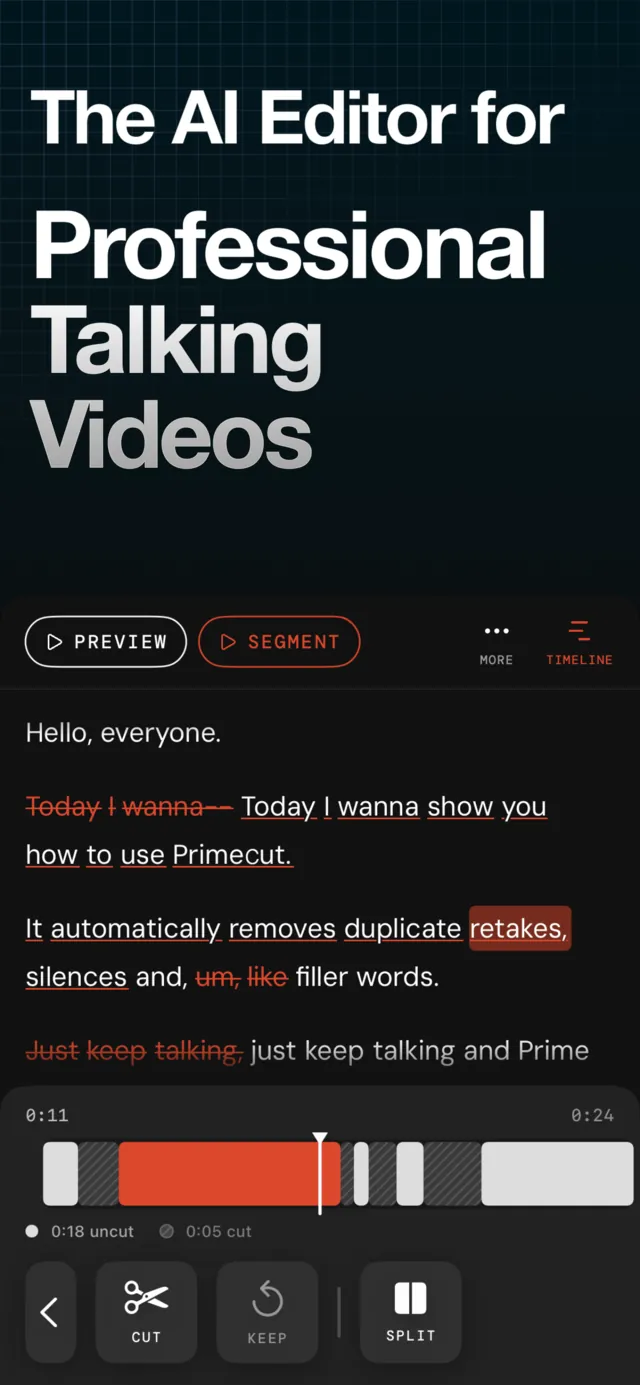
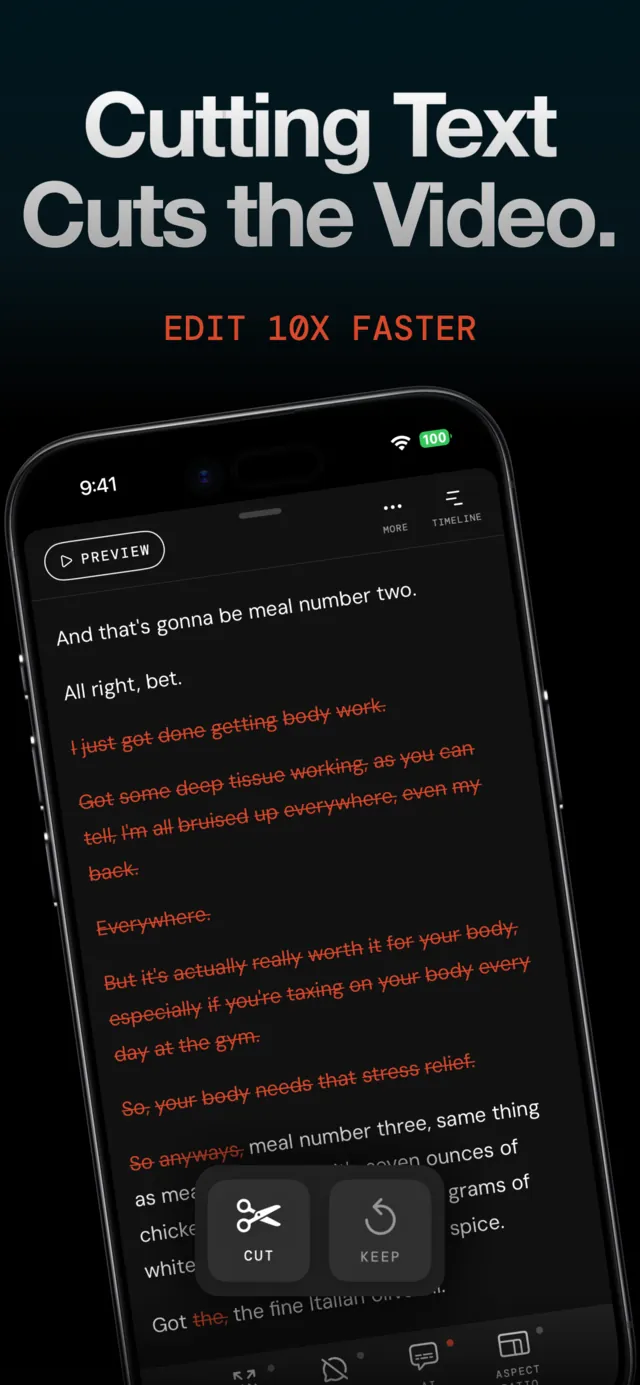
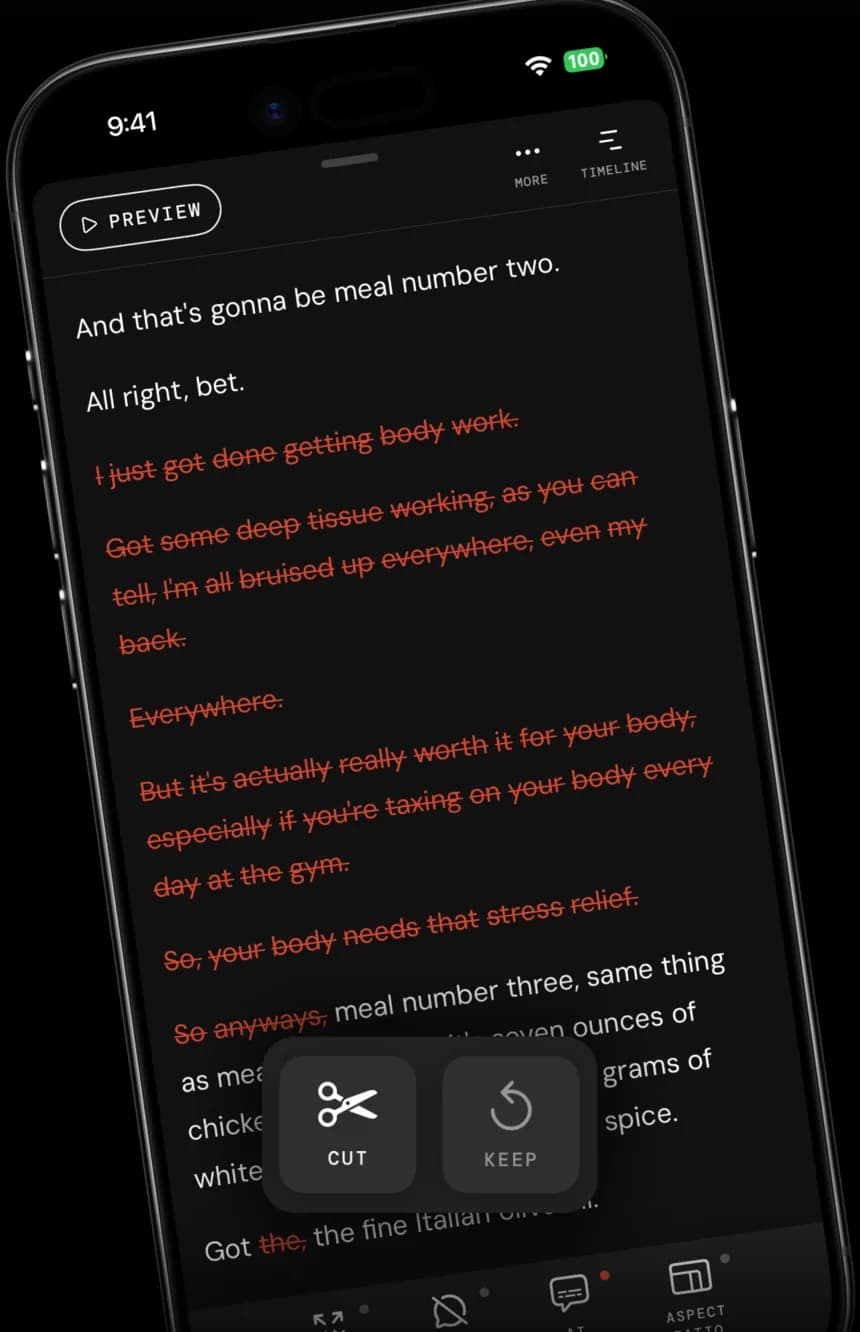
Primecut transcribes your take word by word. Strike a line out of the transcript and that piece of video is gone; tap it again and it is back. No scrubbing, no keyframes, no timeline scrubbing to find the moment you fluffed.
Silences, ums and second attempts, gone
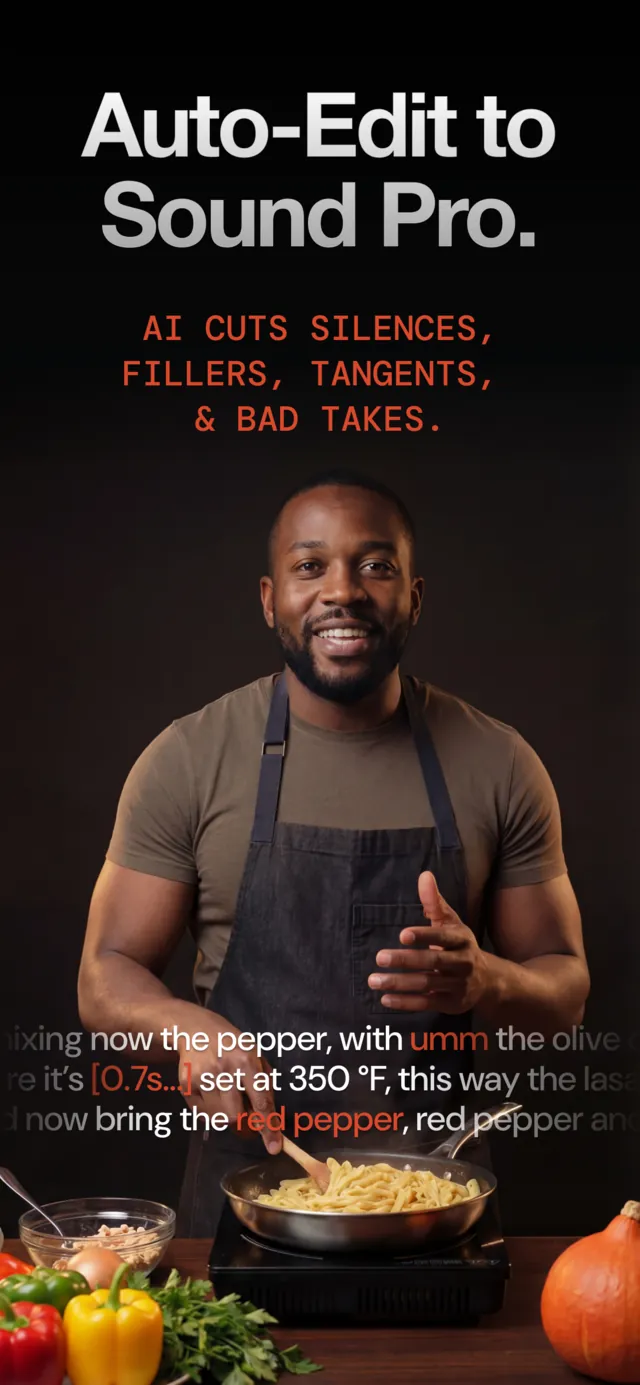
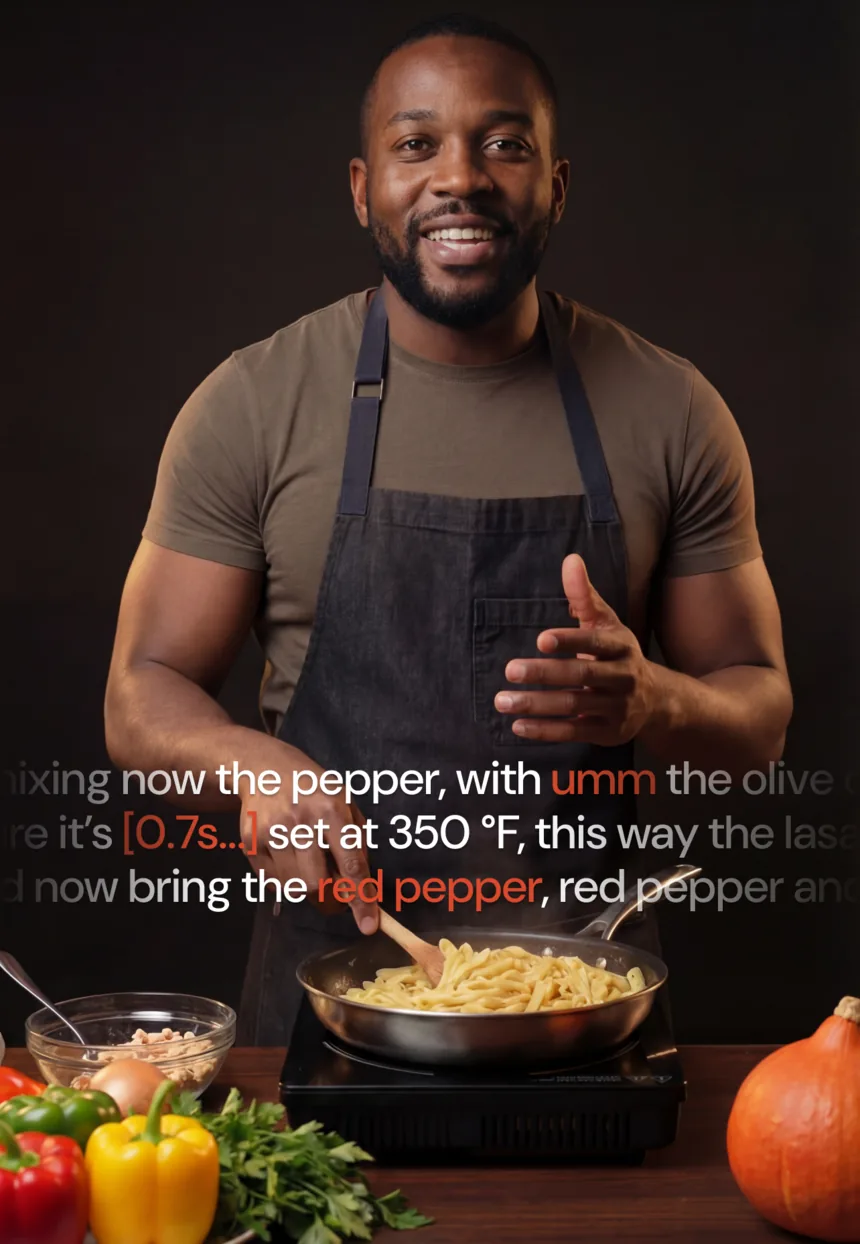
One pass finds dead air, filler words and the sentences you said twice. When you repeat a line three times, Primecut assumes the last one was the keeper and hides the rest. You review the marks, you keep what you want.
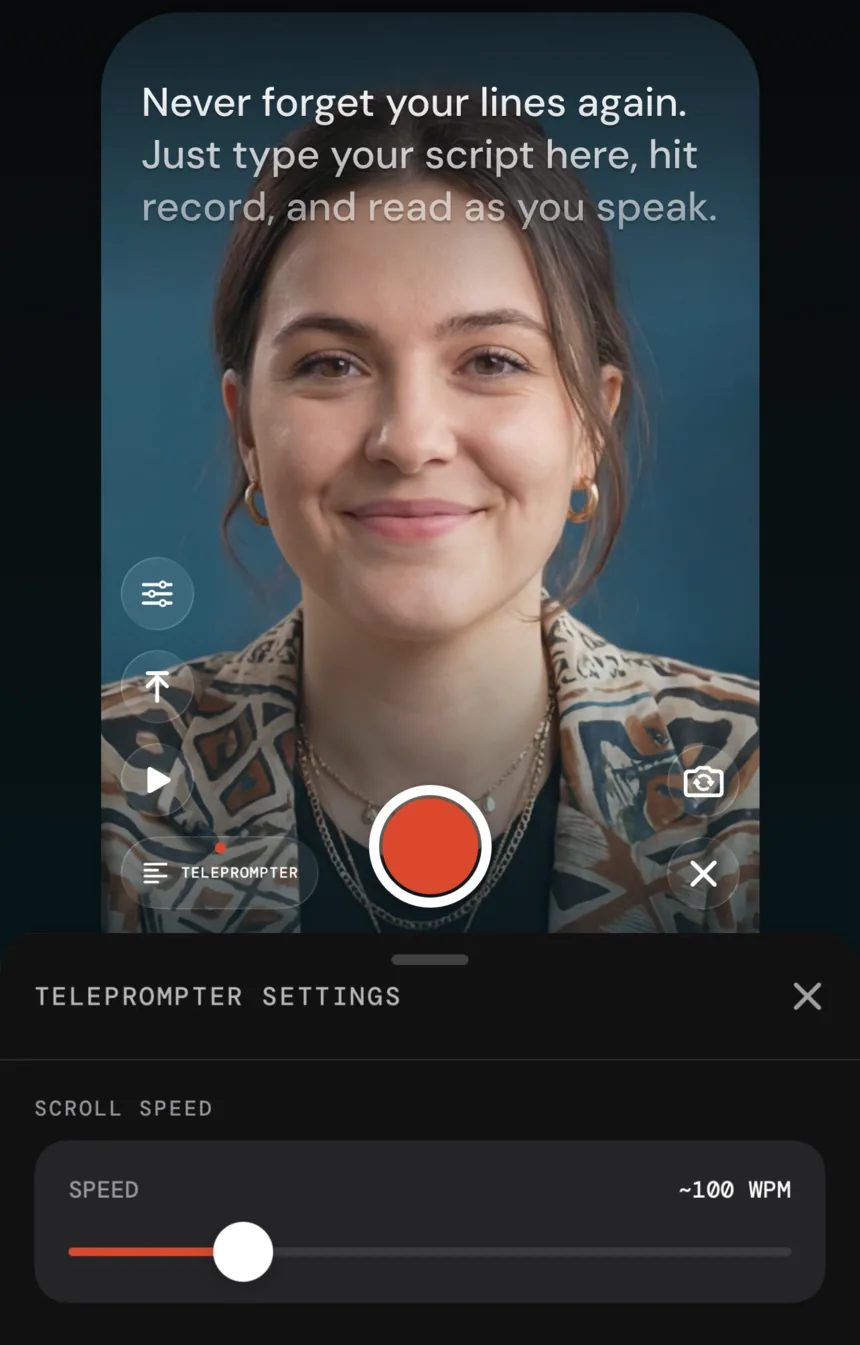
A teleprompter that keeps your eyes on the lens
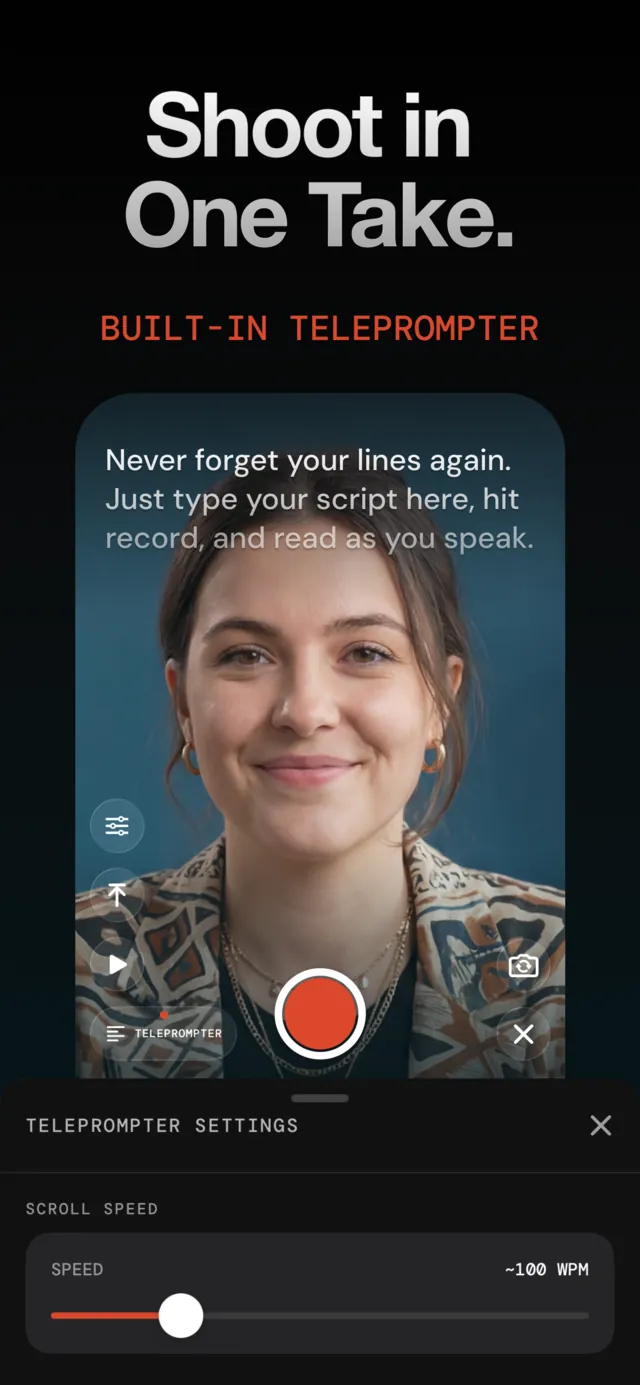
Paste your script, set the scroll speed, and record straight into the project. Stumble and just say the line again — the retake pass cleans it up afterwards, so a take is never ruined.
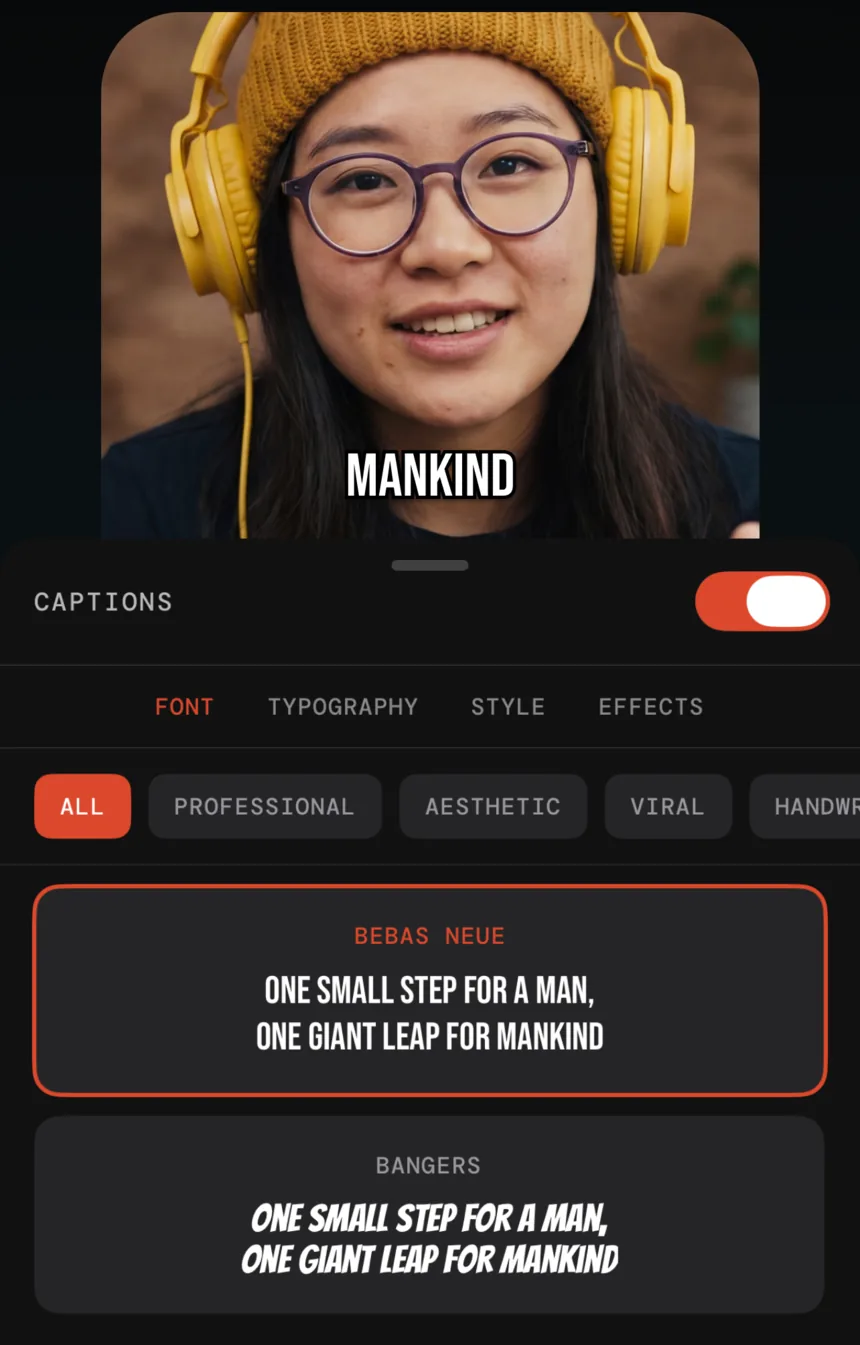
Captions people actually stop for
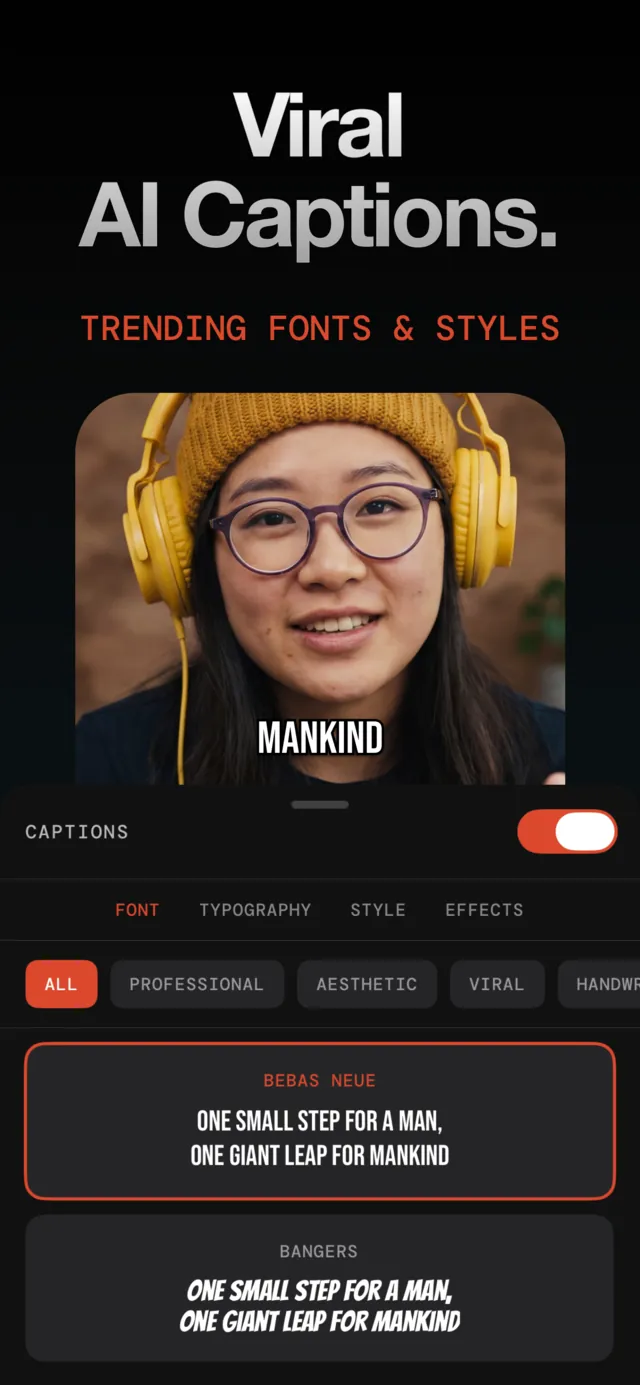
Word-level captions in bold, high-retention presets, adjustable down to font, colour and effect. Auto-zoom hides the jump cuts, and 9:16, 16:9 and 1:1 exports come out of the same project.
Edit Smarter, Not Harder
Primecut uses AI to automate the tedious parts of video editing so you can focus on creating great content.
Text-Based Editing
Edit video like a document. Read the transcript, tap words to jump to moments, or select text to cut.
Auto-Cut Retakes
AI detects repeated sentences and keeps only the final version. No more manual searching for bad takes.
Silence & Filler Removal
Automatically eliminate dead air and verbal hesitations like "um" and "ah" from your footage.
Precision Transcription
Server-grade AI delivers near-perfect accuracy, even with slang and natural speech patterns.
Invisible Jump Cuts
Auto-zoom feature smooths edit transitions for a professional appearance without visible cuts.
Timeline Fine-Tuning
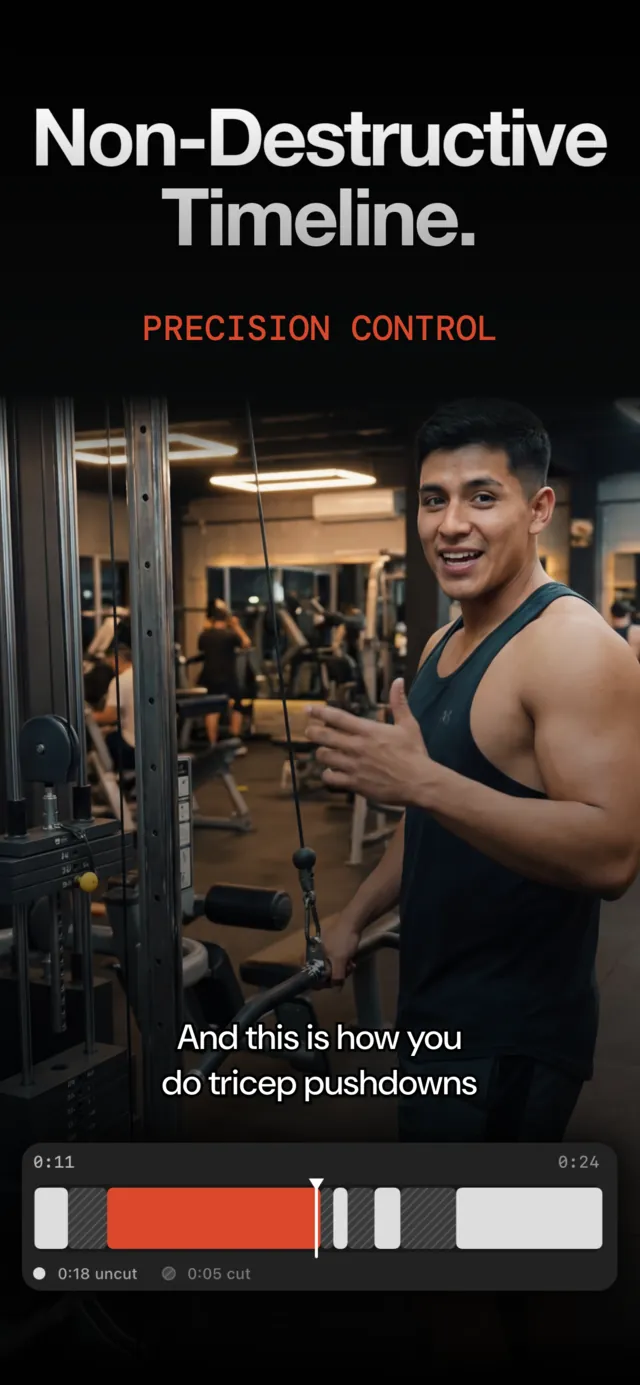
Perfect the AI's cuts with precise timeline controls. Adjust edit points frame-by-frame for complete creative control.
Try it on your next take
Free to start: 30 minutes of AI processing, no card. Pro is $59.99 a year with a 3-day trial.
Download freeiPhone · Requires iOS 18.0 or later