Best teleprompter apps for iPhone (2026)
Scrolling text over a camera is a solved problem. What separates these apps is what happens to the take after you stop recording.
Updated
Every app on this list can scroll text over a camera at an adjustable speed. That part has been solved for years, and the free tiers of the big prompters do it well. Choosing between them comes down to two questions almost nobody asks up front.
First: does the prompter follow you, or do you follow it? A timer-based scroll makes you match a machine’s pace, which is the main reason read scripts sound rushed. Voice-following changes that relationship.
Second: what happens to the take afterwards? A prompter reduces mistakes; it does not eliminate them. If the recording lands in a separate editor, every stumble is still a manual cut later.
The apps
BIGVU
Best established all-rounder
The biggest name in this category on iPhone, and more than a prompter: captions, branding, basic editing and a publishing workflow sit alongside the teleprompter. The safe default if you want one app for scripted social video.
- Pick it ifYou want a mature product with the surrounding workflow included.
- Not ifYou only want a prompter and find the rest of the suite noise.
Teleprompter
Best plain prompter
Does the one thing, with the polish that 30,000 ratings imply: scroll speed, mirroring, text size, remote control. No opinion about what you do with the recording afterwards.
- Pick it ifYou want a prompter and already have an editor you like.
- Not ifYou want recording and editing to be one continuous project.
Teleprompter.com
Best across iPhone, iPad and Mac
Five million downloads and a genuine multi-device story — the same scripts on iPhone, iPad and Mac, which matters if your phone is the camera but your script lives on a desktop.
- Pick it ifYou write on a Mac and record on a phone.
- Not ifYou need the edit to happen in the same place as the read.
Teleprompter for Video
Highest rated of the pure prompters
Over a million users and the best rating in the category. Aimed broadly — vlogs, speeches, self-tape auditions, sermons, video résumés — and it does the reading part cleanly.
- Pick it ifYou want the simplest well-liked prompter and nothing else.
- Not ifCutting the resulting take is the part you actually dread.
PromptSmart Pro
Best voice-following prompter
Its patented VoiceTrack speech recognition follows your voice in real time, starting and stopping at your natural pace instead of scrolling on a timer. If chasing the scroll is what makes you sound rushed, this is the direct fix — and it is a one-time purchase rather than a subscription.
- Pick it ifYou go off-script, pause, or vary your pace and want the prompter to keep up.
- Not ifYou want editing features; this is a prompter, deliberately.
Detail
Best prompter inside a full studio
Its AI Director listens as you speak and keeps you on track, and it sits inside a studio that also does multicam, livestreaming, green screen and captions in 50+ languages.
- Pick it ifYou want prompting, multicam recording and editing under one roof.
- Not ifYou want a small tool rather than a studio.
Primecutours
Best if the stumbles get cut automatically
The prompter is ordinary — scroll speed, text size, positioned high in frame for eyeline. What is not ordinary is what happens next: the take lands in the editor already transcribed, with silences, filler words and repeated lines marked for removal. Fluff a line, say it again, and the earlier attempt disappears.
- Pick it ifThe reason you want a prompter is that re-recording is expensive.
- Not ifYou want a best-in-class prompter on its own terms; the ones above are better prompters.
Delivery beats software
- Write for the ear. Short sentences, contractions, one idea each. Read it aloud once and cut anything that leaves you out of breath.
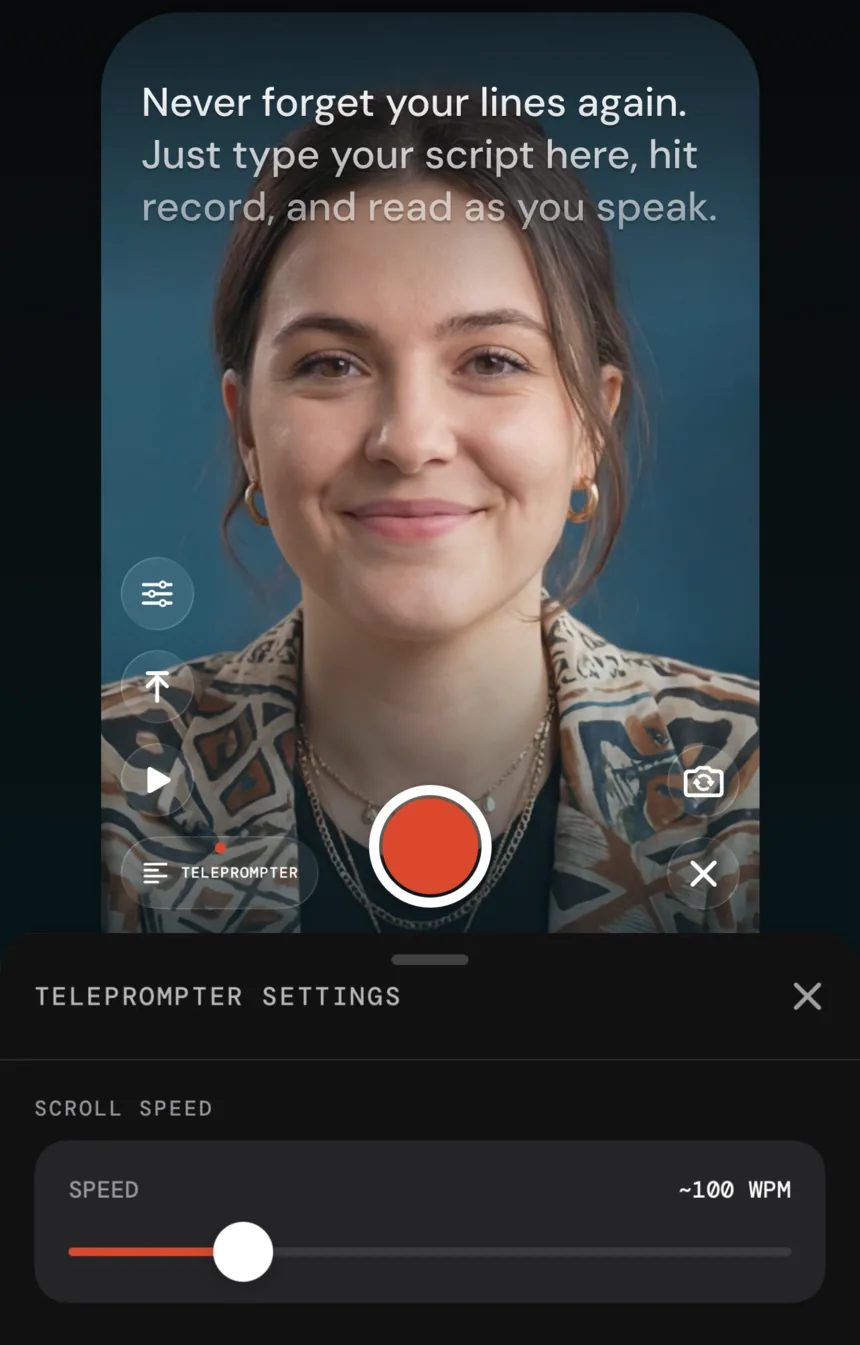
- Set the speed slower than feels right. Being slightly ahead of the text sounds calm; chasing it sounds panicked.
- Get the phone further away. The further the text, the less your eyes travel, and the less you look like you are reading.
- Look at the lens for the first and last line. Those are the moments people decide whether to keep watching.
Questions
Do teleprompter apps make you look like you are reading?
Only when the pace is wrong or the eyeline is low. Two fixes cover most of it: set the scroll slightly slower than feels right so you stay ahead of it rather than chasing, and keep the text high in the frame near the lens so your eyes barely move. A voice-following prompter removes the pace problem entirely.
Is a paid teleprompter worth it over a free one?
The reading itself is close to a solved problem — the free tiers of the big apps do it well. Money buys either the surrounding workflow (captions, branding, publishing) or a specific mechanism, like voice tracking. Decide which of those you actually need before subscribing.
Should the prompter and the editor be the same app?
It depends on what your mistakes cost. If you rarely fluff lines, a dedicated prompter plus your usual editor is fine. If you stumble often, having the recording land straight into an editor that removes repeated takes changes the economics of a mistake from a restart to a three-second repeat.
Can I use a teleprompter with the rear camera?
Only with a mirror rig or a second person, since you cannot see the screen. For phone-only shooting the front camera is the practical answer, and on recent iPhones it is more than good enough for social video.